Linux
An archive to unpack and run. Wayland or X11, x86-64.
DownloadDesktop
The same offline planner as the phone, for Linux, macOS and Windows. The timetable is downloaded once; every search after that is answered on the machine.
An archive to unpack and run. Wayland or X11, x86-64.
DownloadA disk image for Apple Silicon and Intel. Not notarised: right-click, then Open, once.
DownloadIn the Microsoft Store, signed and kept up to date by Microsoft.
Microsoft Store Or the installer →Every file, with its version and checksum →
Open Timetables once and download the year: a few hundred megabytes, the whole of Switzerland. Windows also has an installer with the timetable already inside, for a machine that is never online.
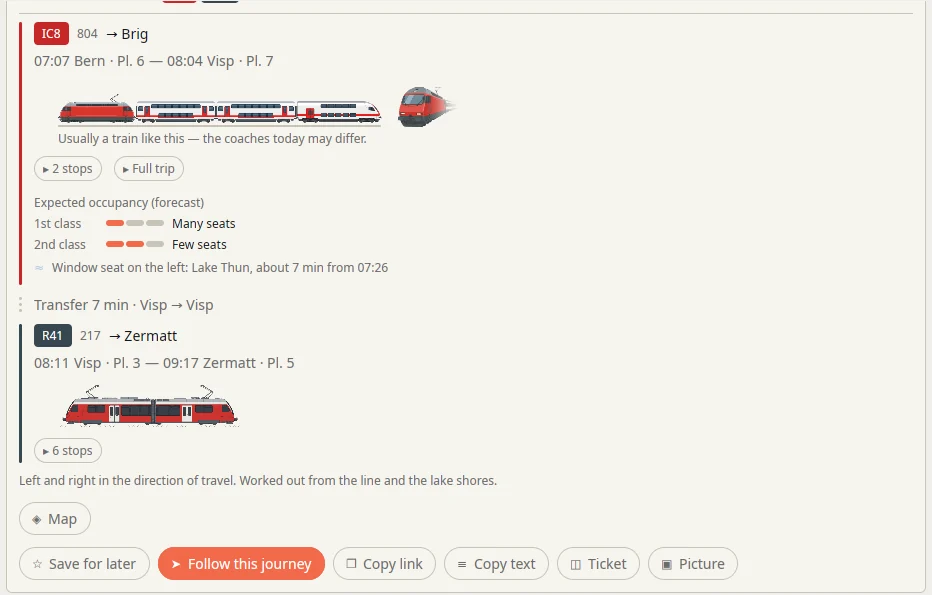
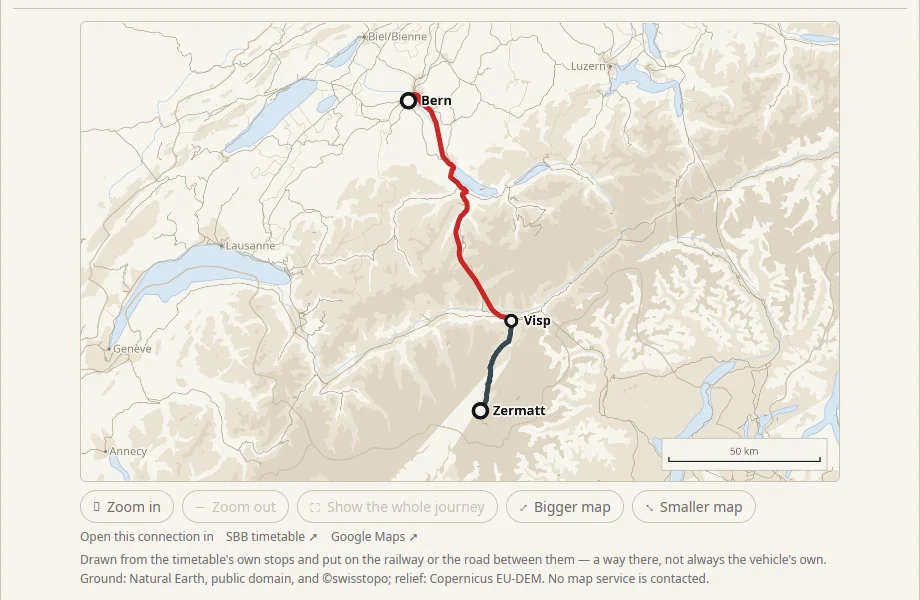
Search from an address, or to one. The walk at either end is part of the answer.
Several places in one day, with as long as you like at each — and the whole day on one picture.
Everywhere you can reach in an hour, on a map. And where friends from three towns should meet.
Every stop’s next departures with their platforms — on the phone’s home screen too.
A countdown to the minute you need to head out. No re-reading the timetable.
Classes, the dining car, room for a bike, and the sector to wait in — drawn wherever the operator publishes the formation.
Where real-time data exists, times shift with it. Where it does not, you see the plan — and are told so.
Every journey you followed, counted on the device: how far, how punctual, which trains.
Everything stays on your machine: the timetable, your saved journeys, your settings. The app reaches the network only for what you ask it to — a timetable, live delays, a formation — and never to answer a search. No account, nothing to buy.